
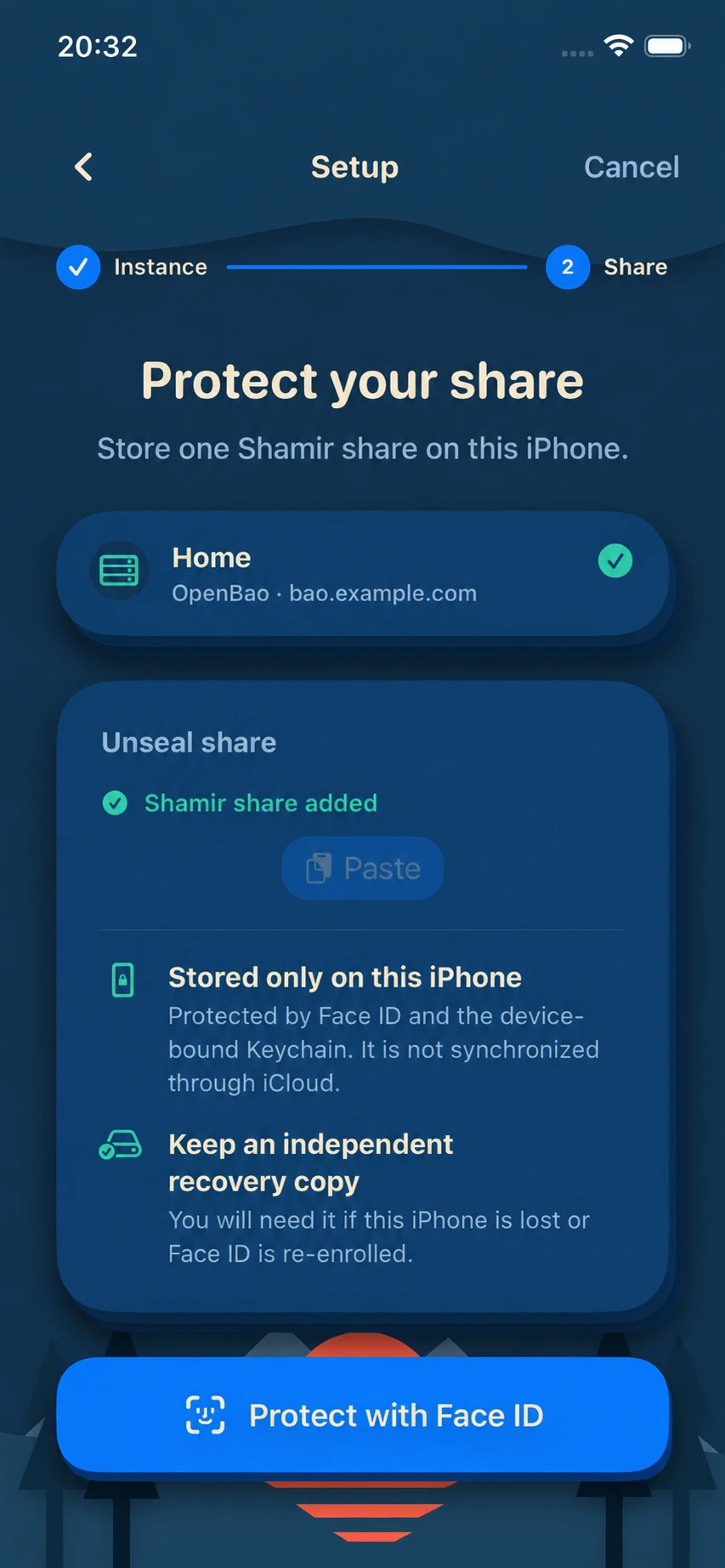
Set up once
Add your server and protect one unseal share with Face ID.
UNSEAL COMPANION FOR OPENBAO & VAULT
Sealbreak keeps one unseal share protected on your iPhone and sends it to your server only after Face ID.
Open source · GPL-3.0 · Join the TestFlight beta
WHAT SEALBREAK DOES
Add your server and protect one unseal share with Face ID.
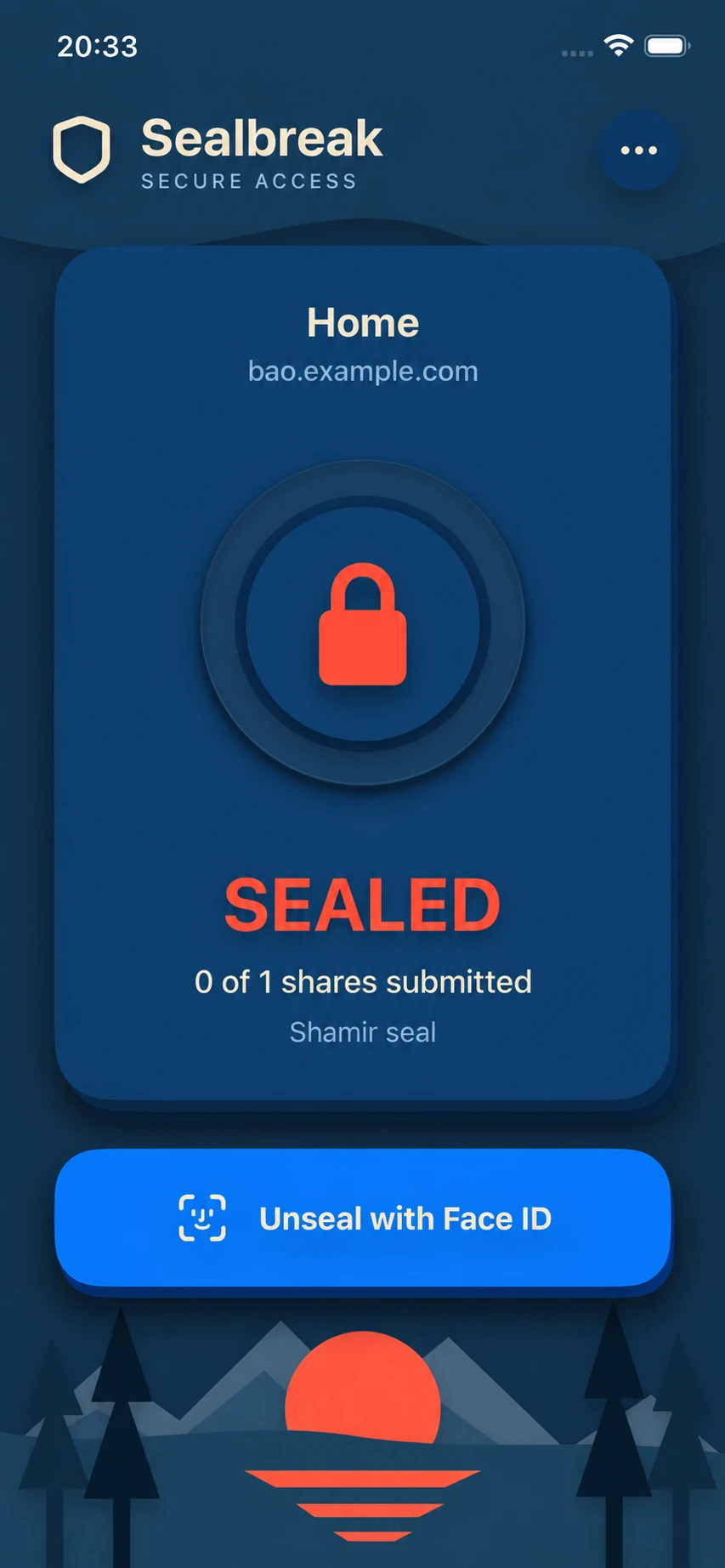
Tap Unseal, then use Face ID to allow access to your share.
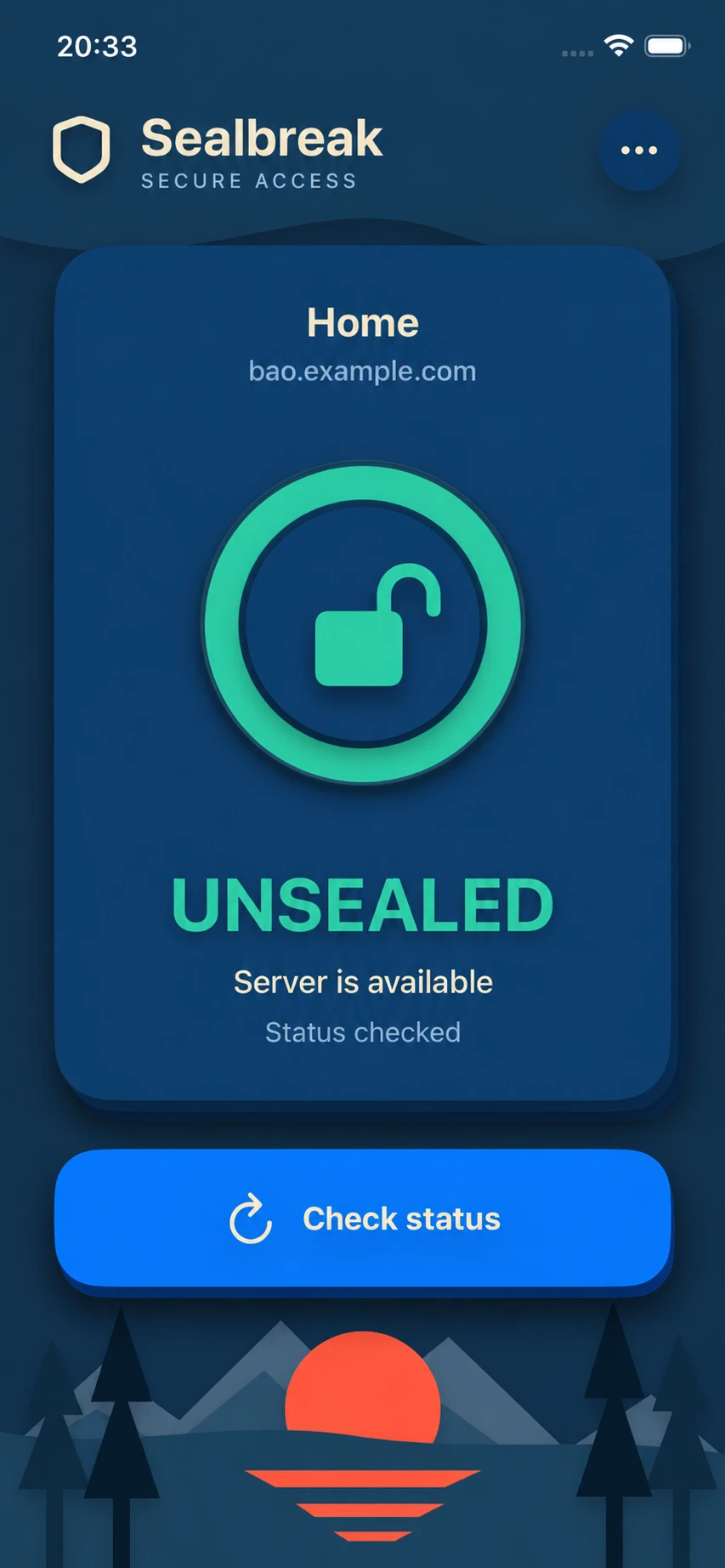
Sealbreak sends your share to the server and checks whether it is still sealed.
BUILT FOR TRUST
Your share is stored in the iOS Keychain on this iPhone. Sealbreak does not sync it to the cloud or offer an export option.
Face ID is required before Sealbreak can read your stored share.
Sealbreak connects directly to the OpenBao or Vault endpoint you configure. There is no Sealbreak relay.
The source code and threat model are public, including security assumptions and known risks.